Screenshots
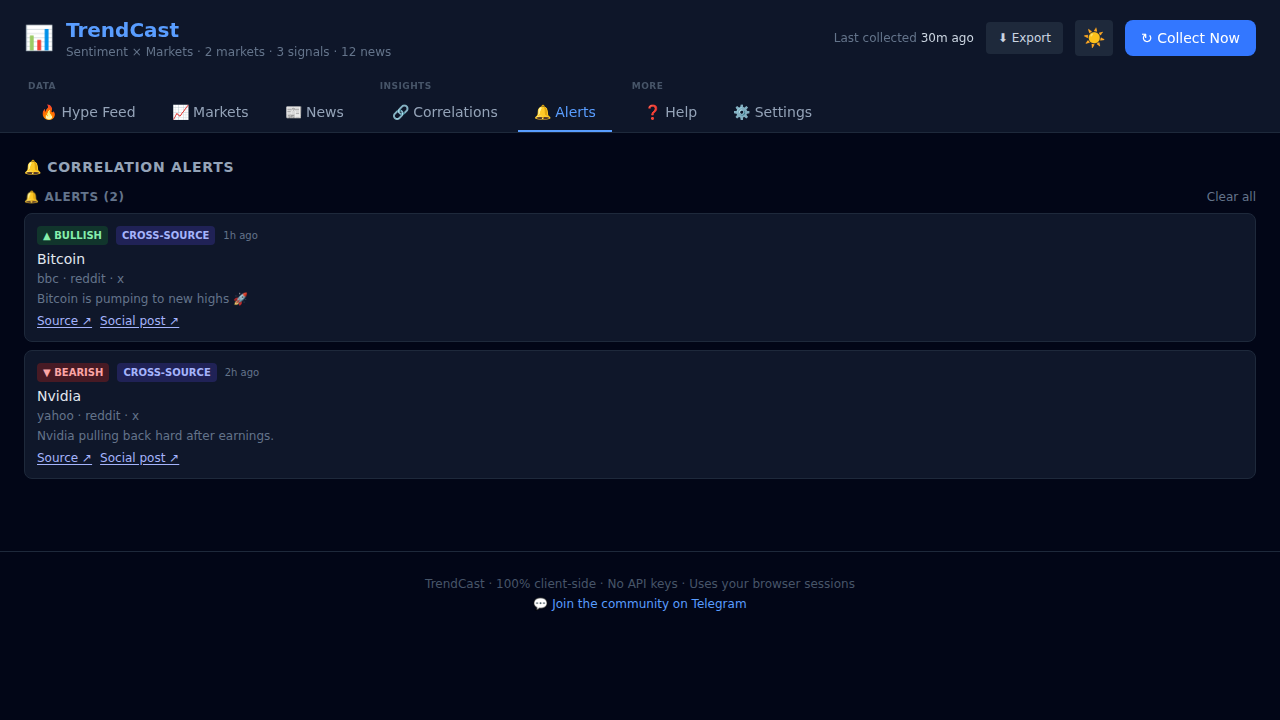
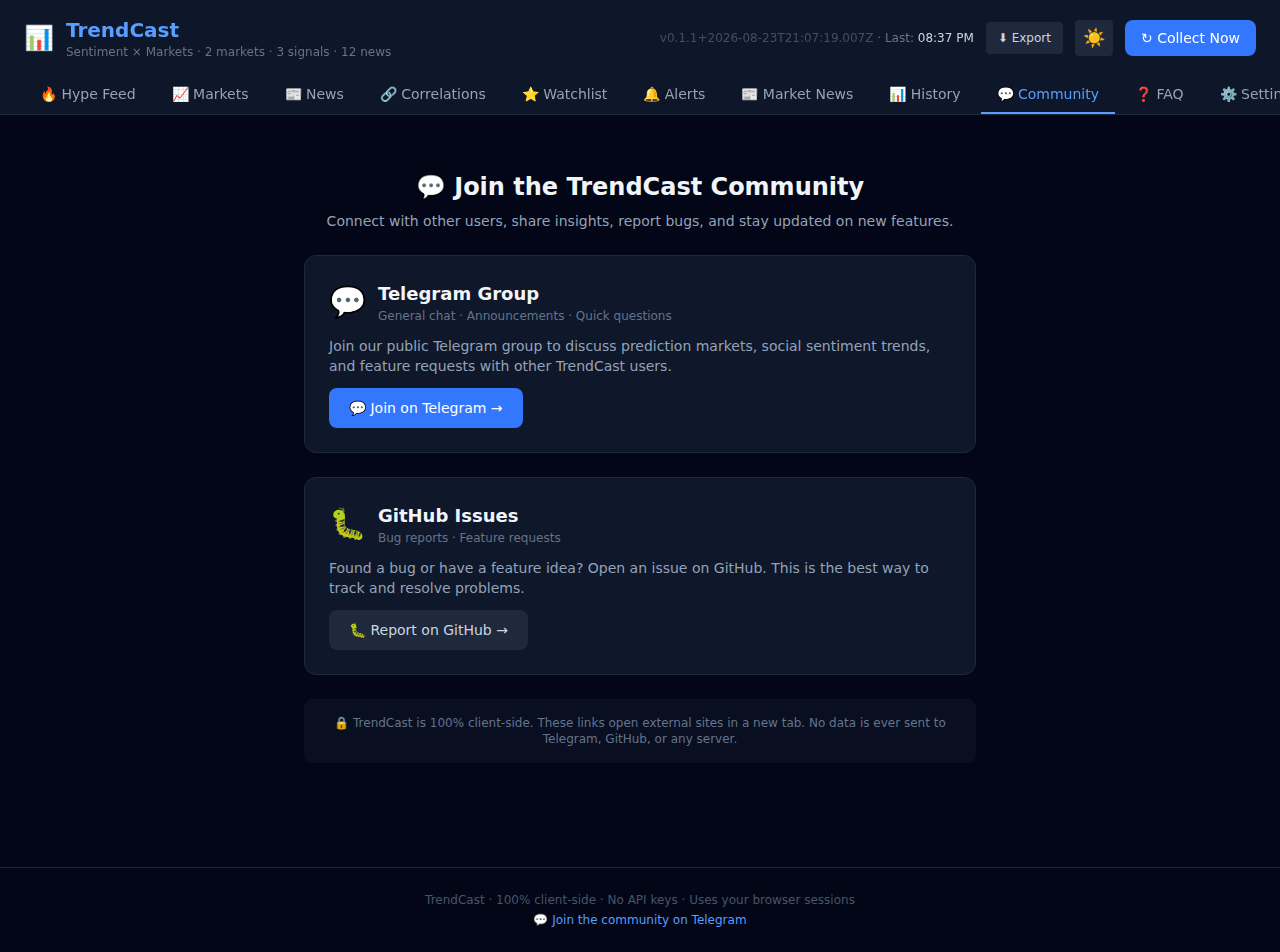
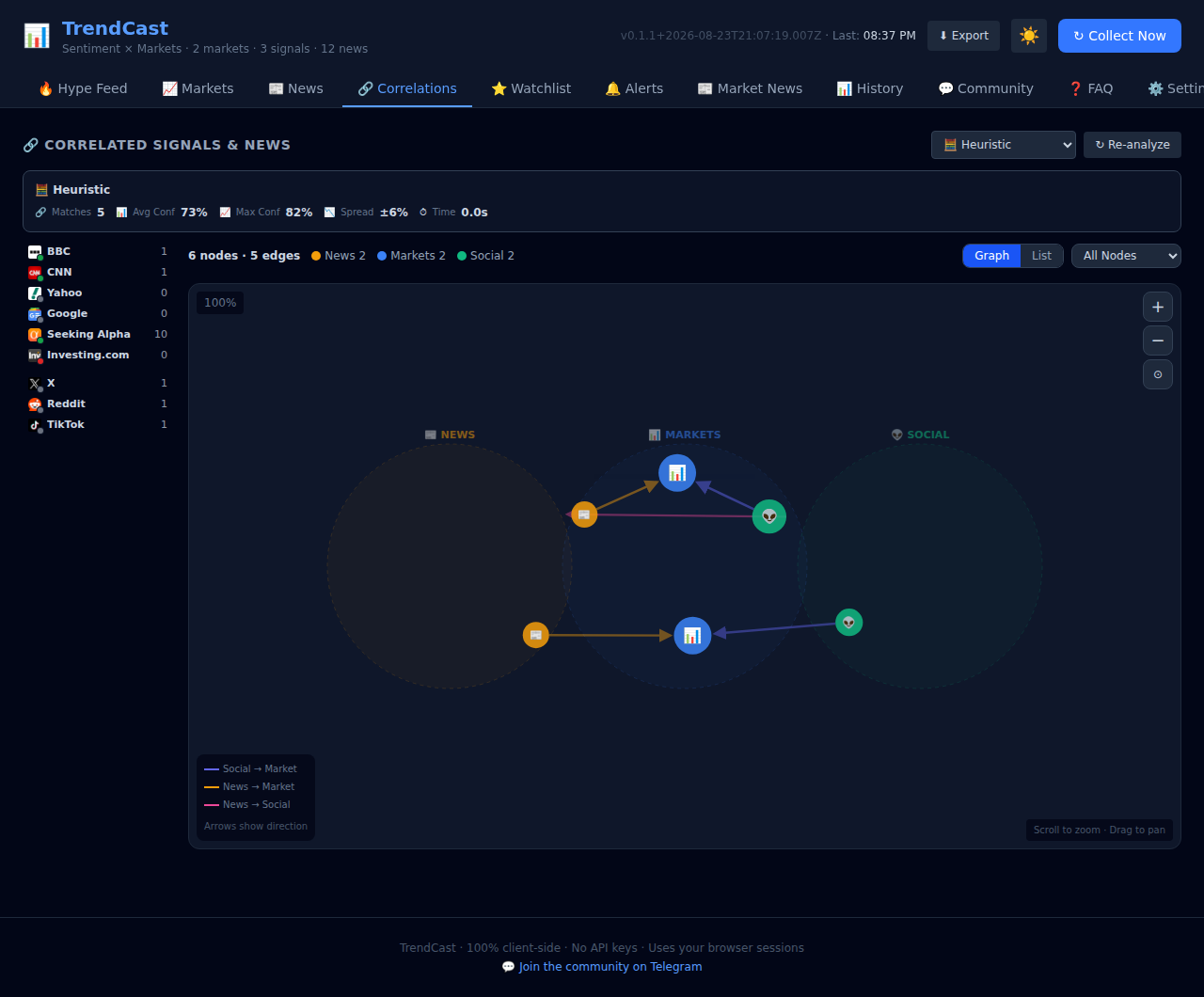
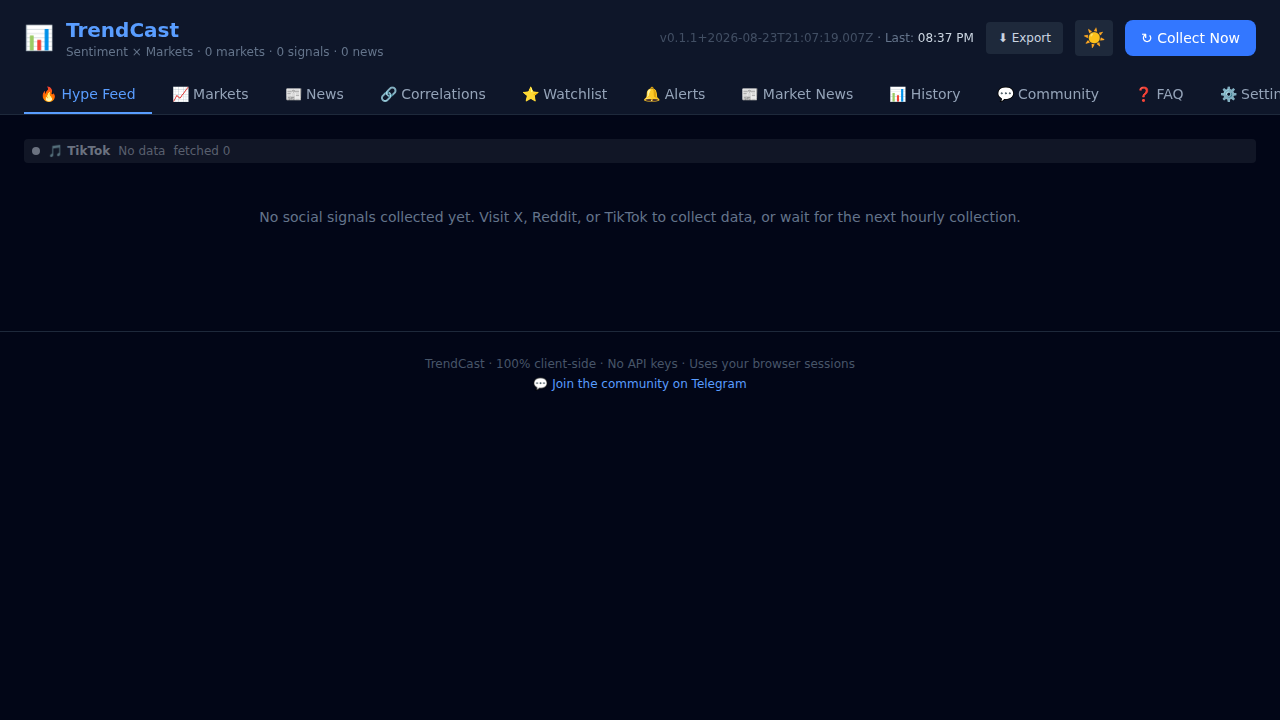
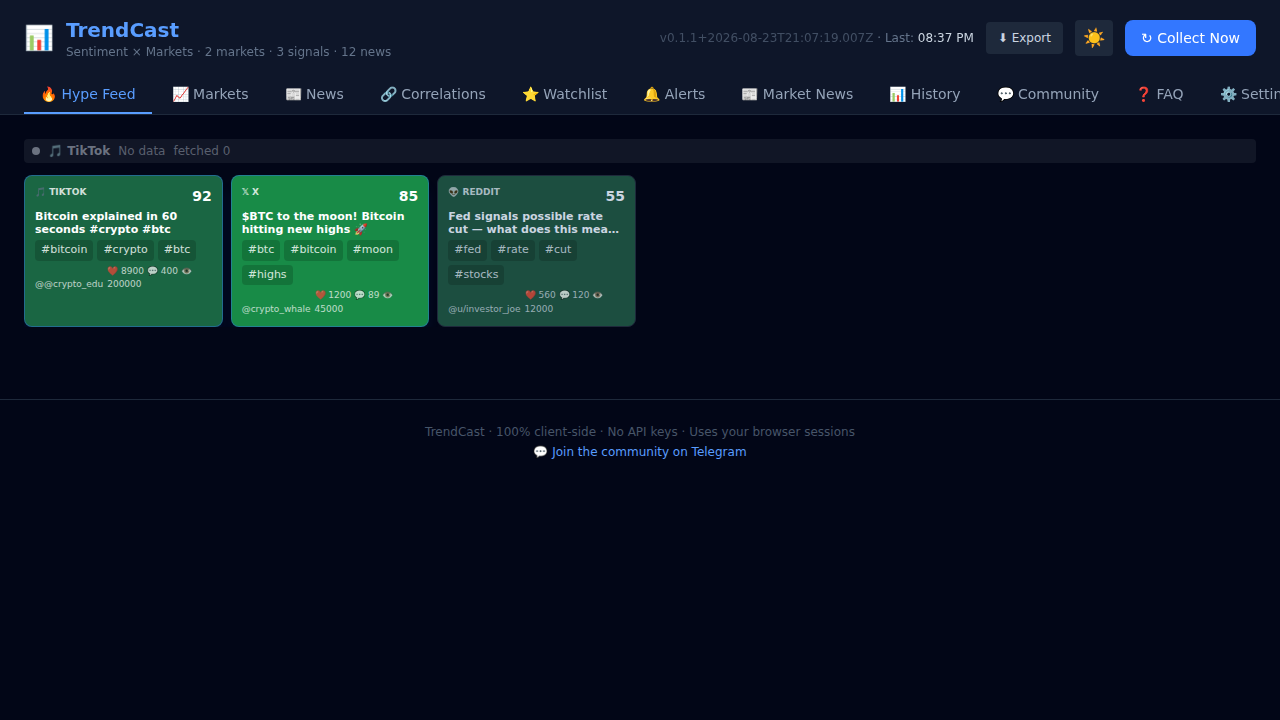
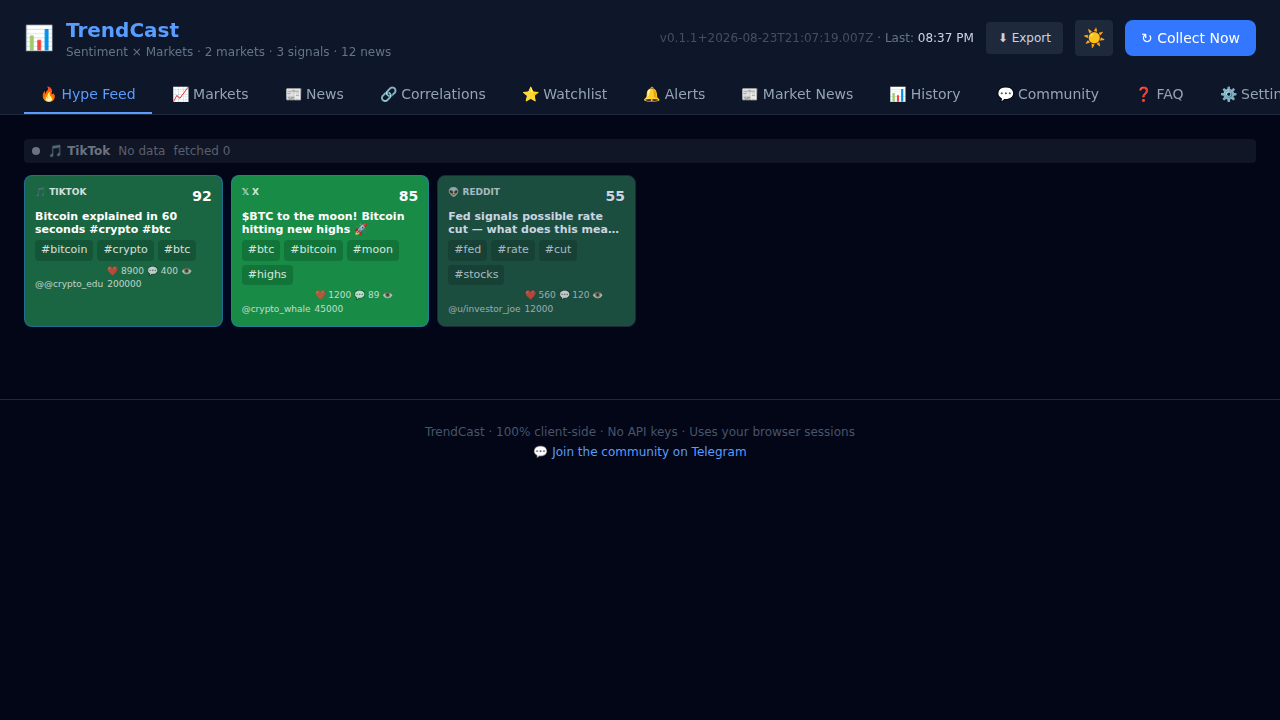
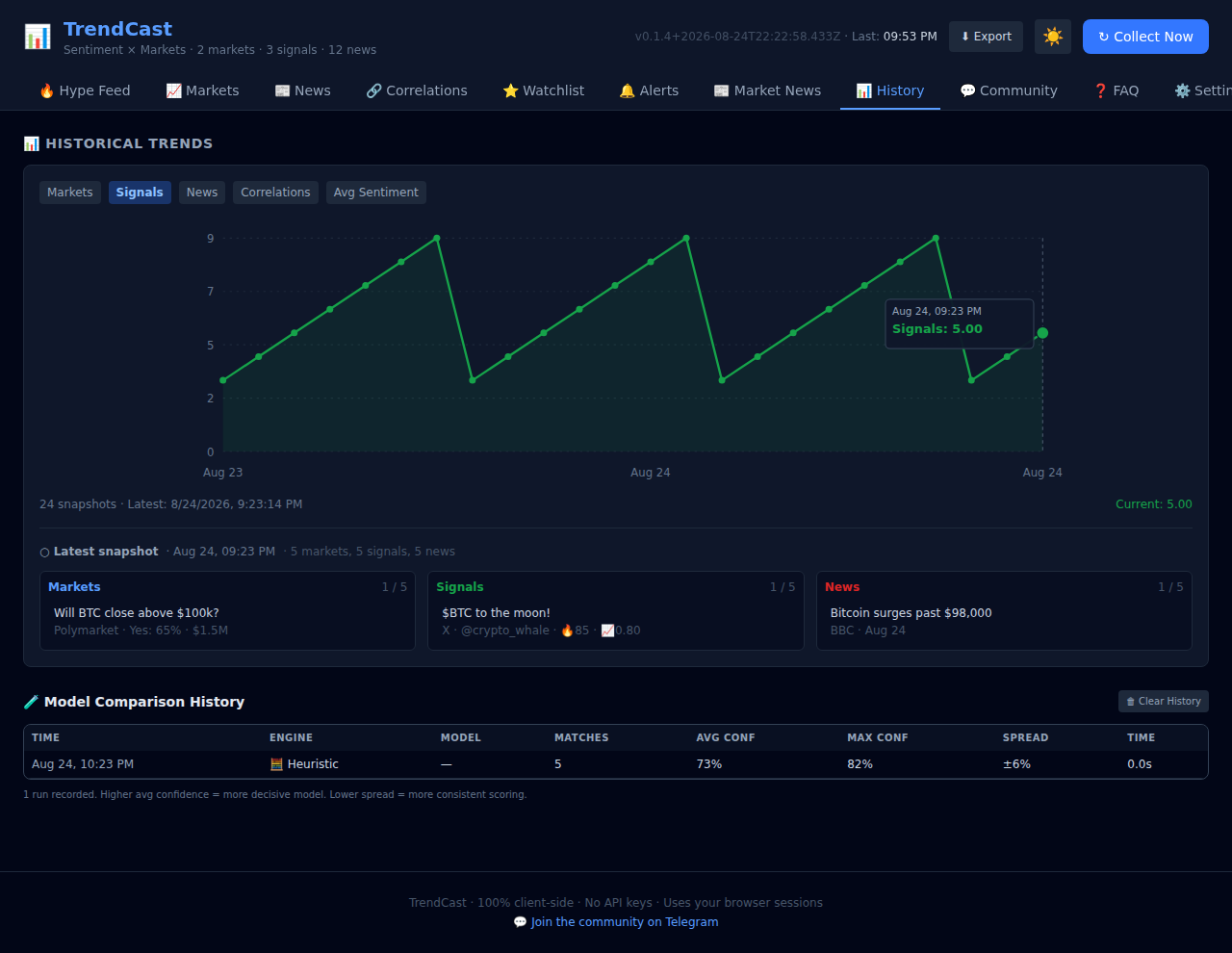
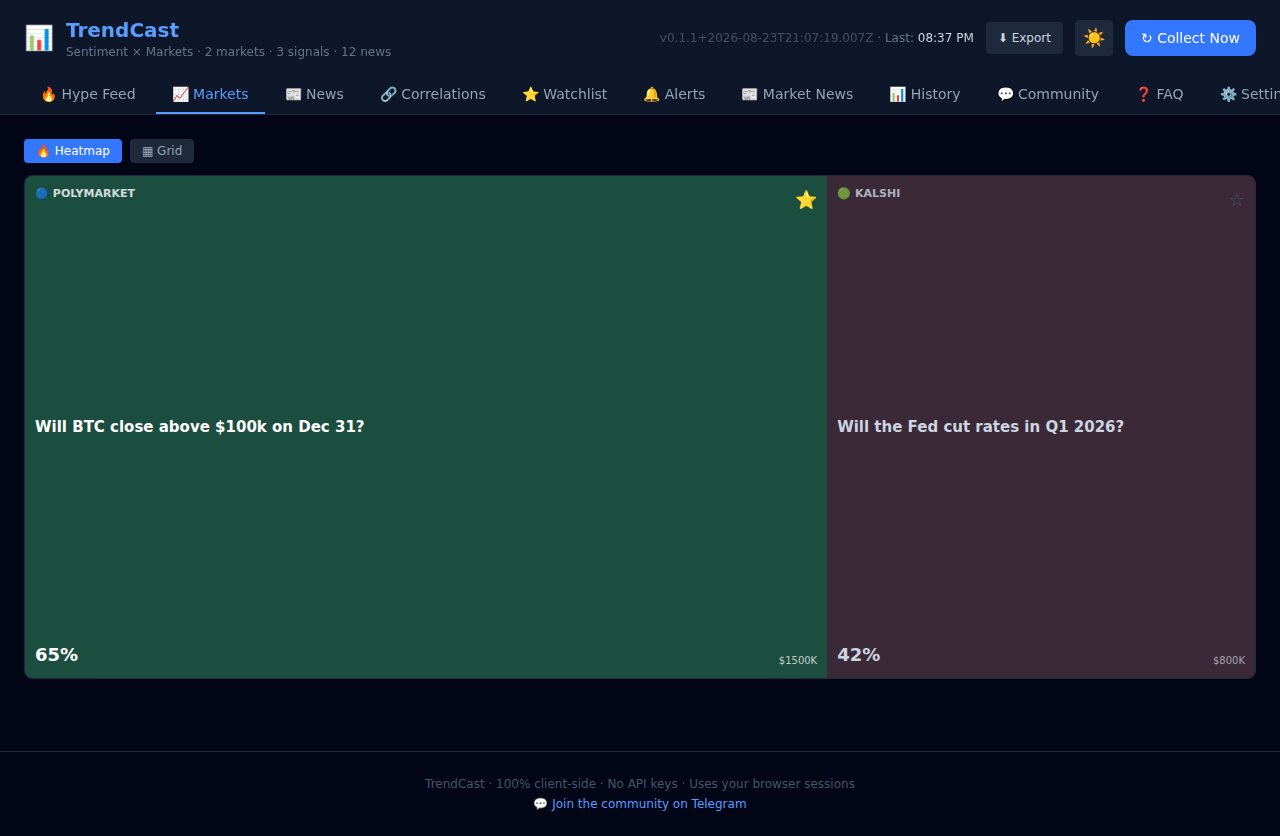
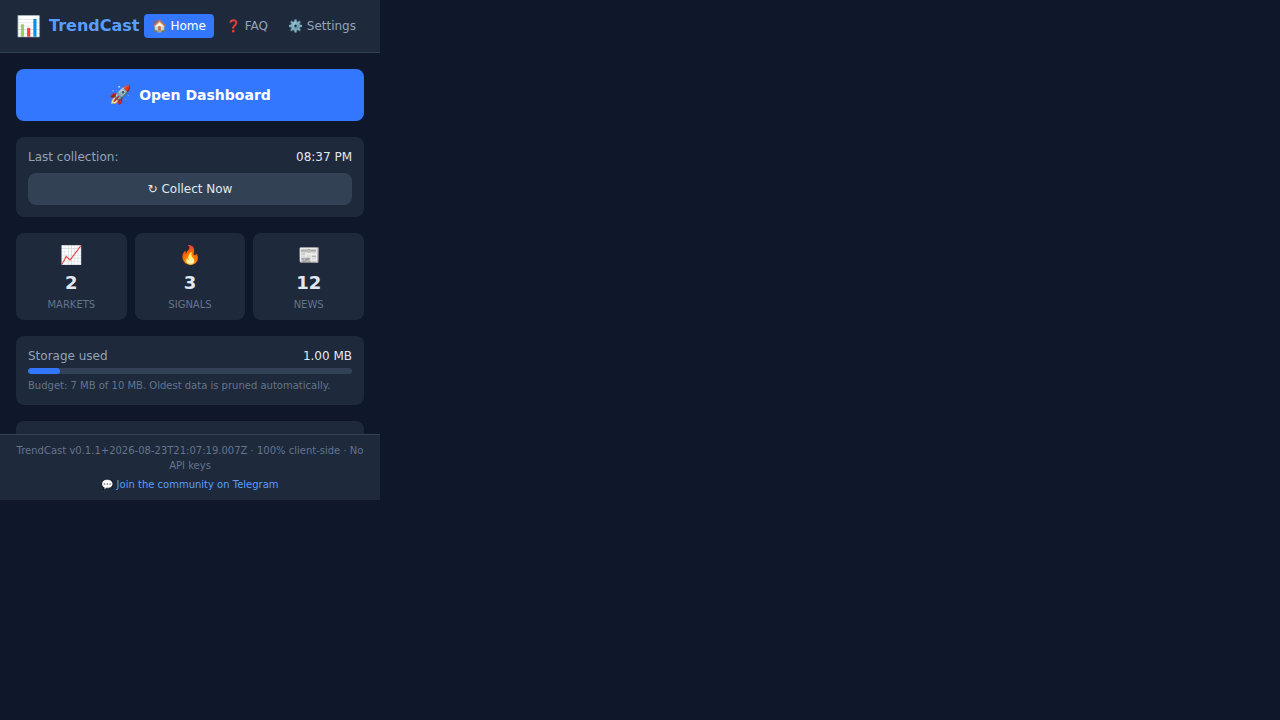
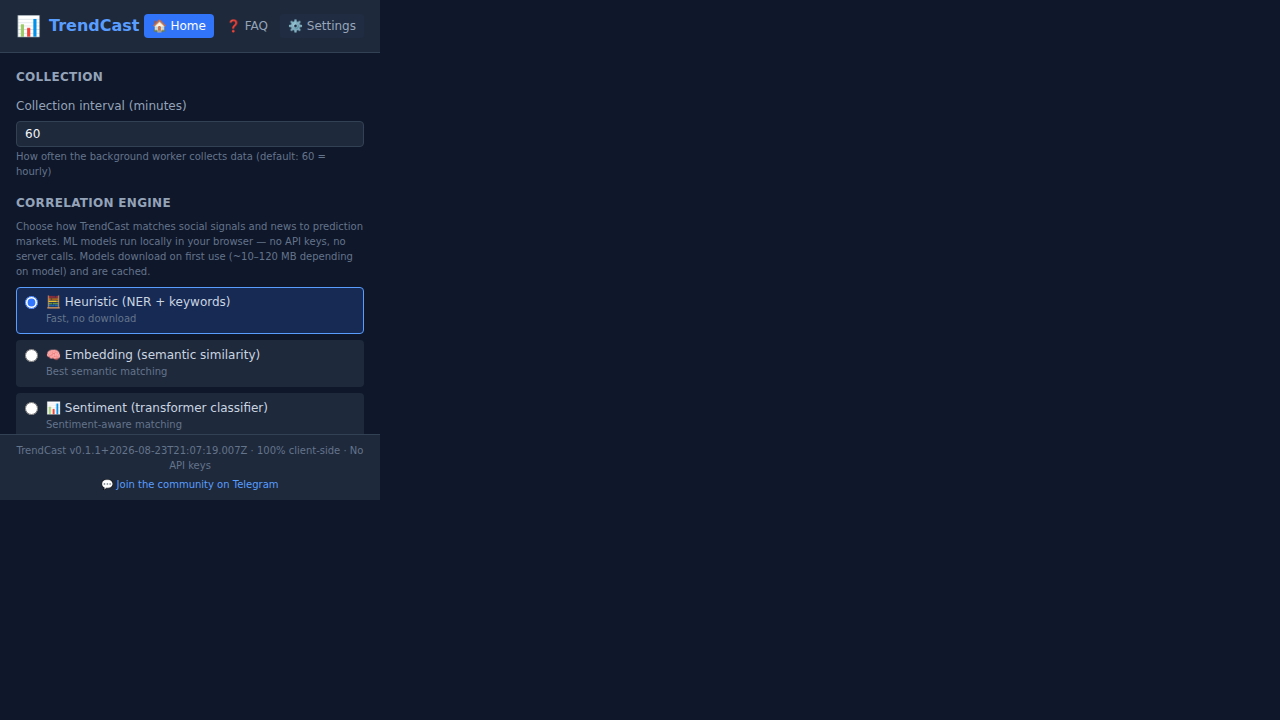
Gallery of TrendCast UI screenshots — automatically generated from Playwright on every release.
All screenshots on this page are automatically generated by a Playwright spec on every version release. The GitHub Actions workflow builds the extension, loads it in a headless browser, captures each tab and the popup, then deploys the images here.
🎬 Screen-cast
TrendCast Dashboard Tour — A 30-second screen-cast walking through all nine dashboard tabs, demonstrating the theme toggle, export menu, and collect-now action.
🖥️ Dashboard


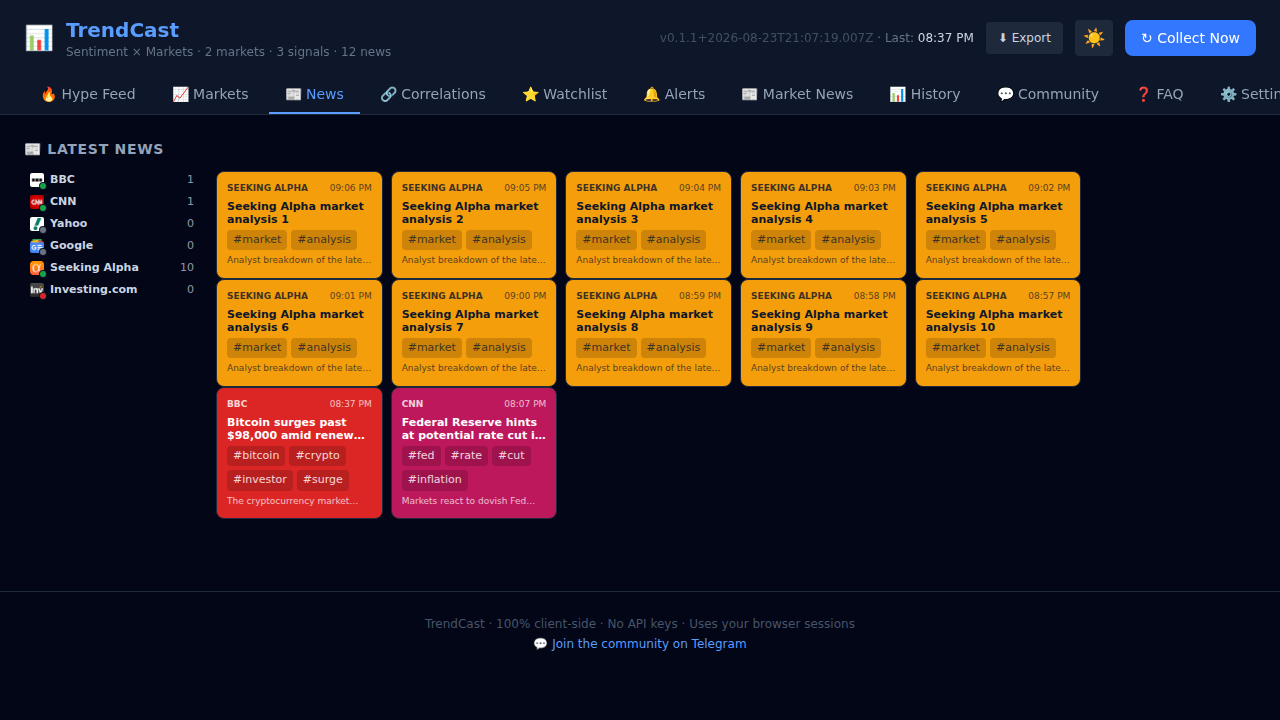
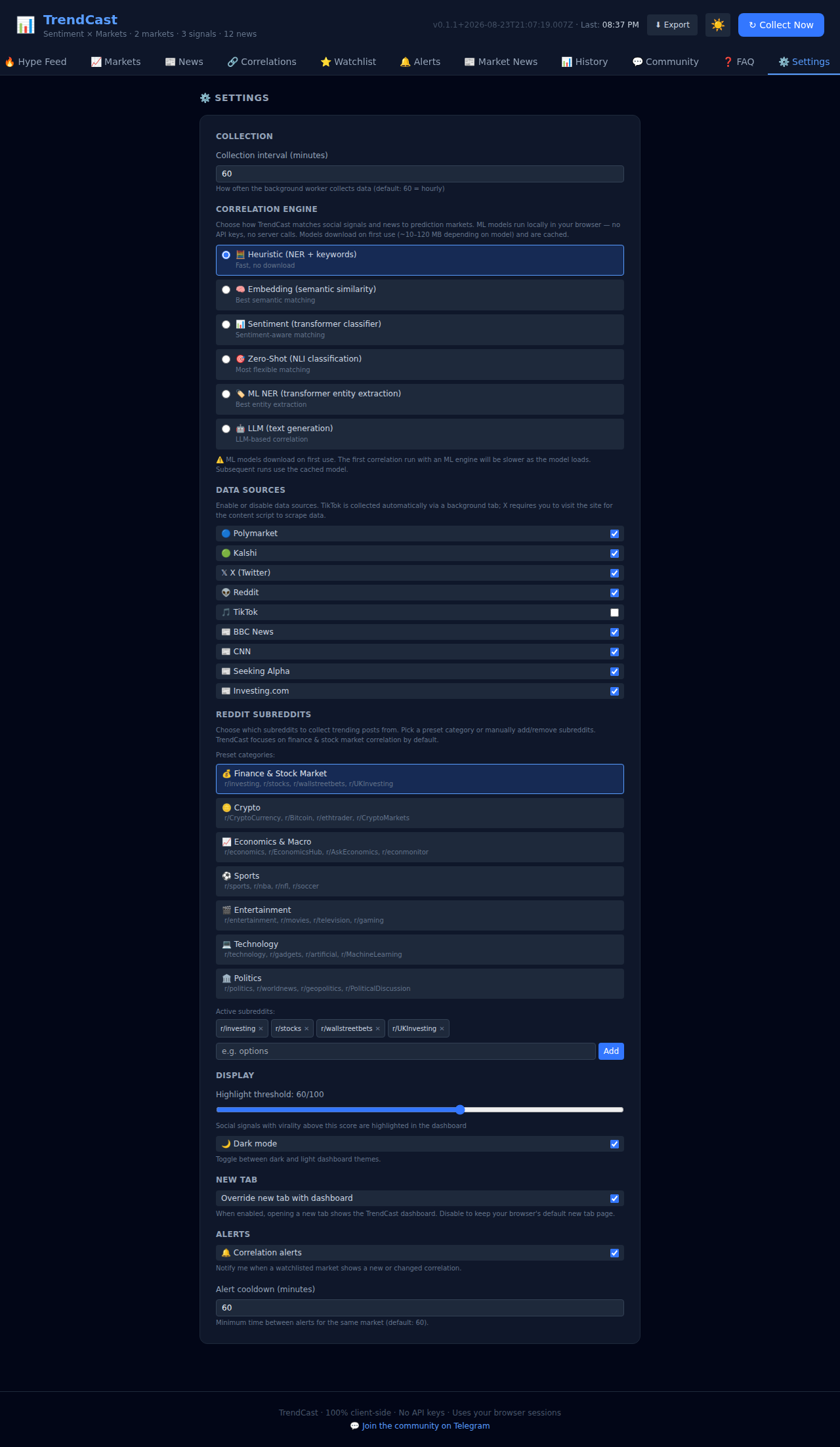
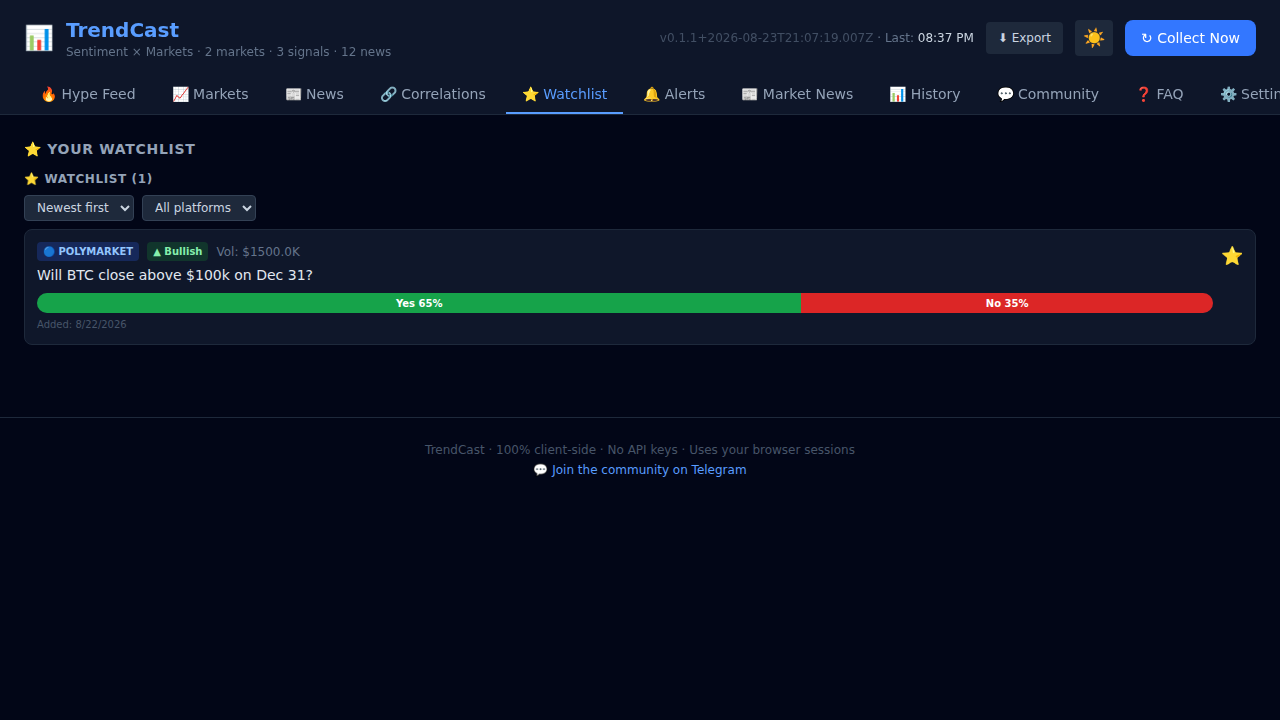
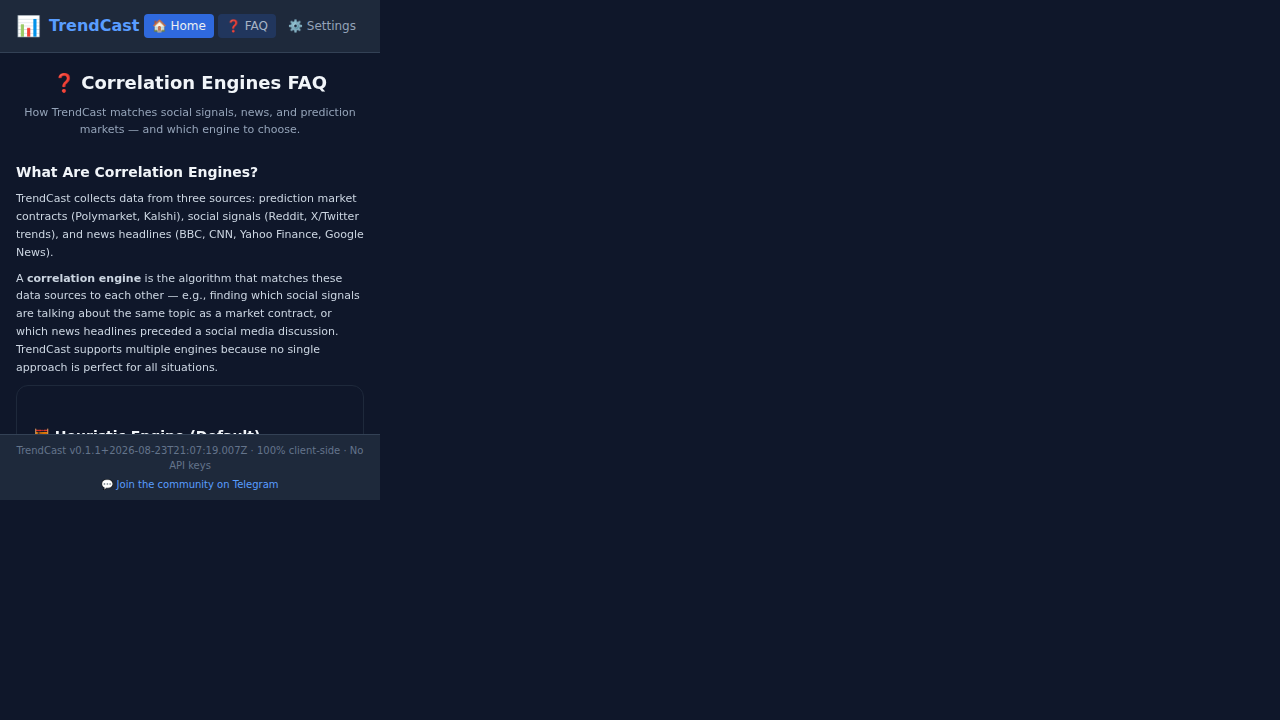
🔧 Popup
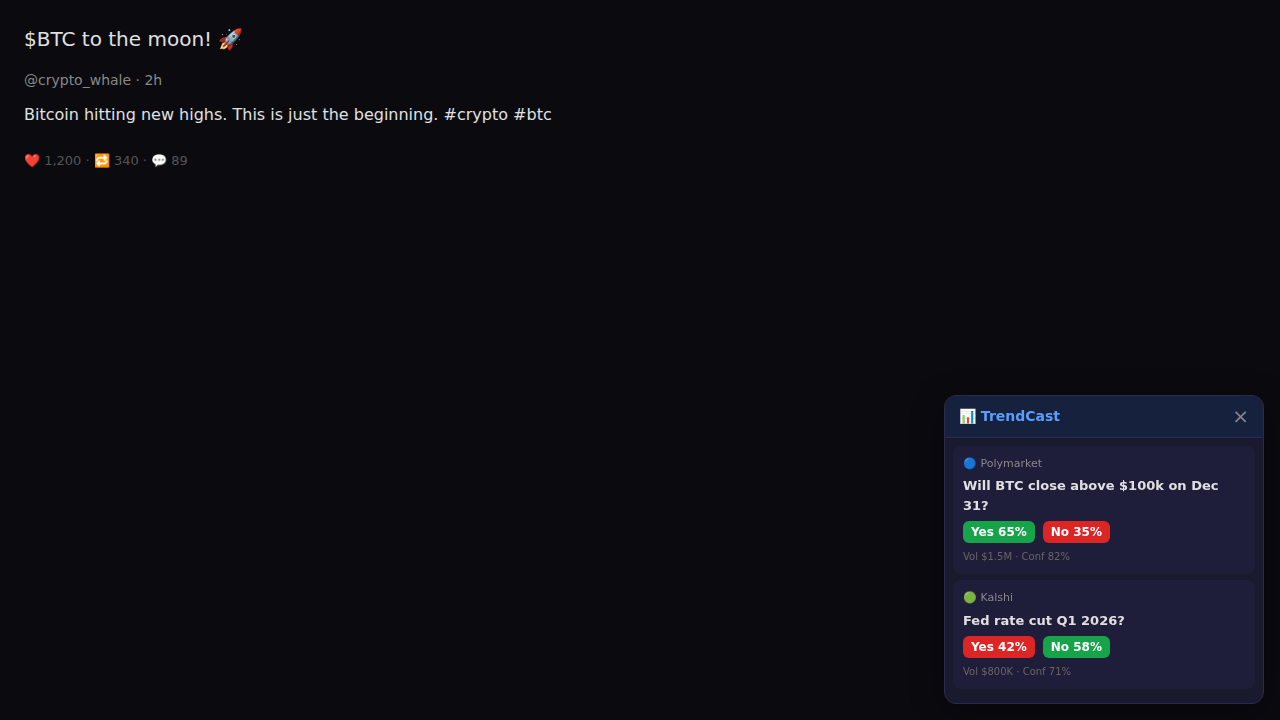
📐 Odds Overlay
How screenshots are generated
The
docs.ymlGitHub Actions workflow triggers on version tags (v*).It installs Bun, builds the extension in debug mode, and serves it via
sirv-clion127.0.0.1:4173.A dedicated Playwright config (
playwright.screenshots.config.ts) runstests/screenshots/screenshots.spec.tswhich:- Loads the dashboard and popup with mock browser APIs and seeded data.
- Navigates to each tab and captures a full-page PNG.
- Records a WebM screen-cast of a full tab tour.
- Builds a mock social page to capture the odds overlay.
A manifest generator (
scripts/generate-screenshot-manifest.ts) scans the output directory and writesdata/screenshots.json.Hugo builds the site and deploys to GitHub Pages.
See the screenshot spec source and the workflow definition.