How to add NVIDIA free models to VS Code
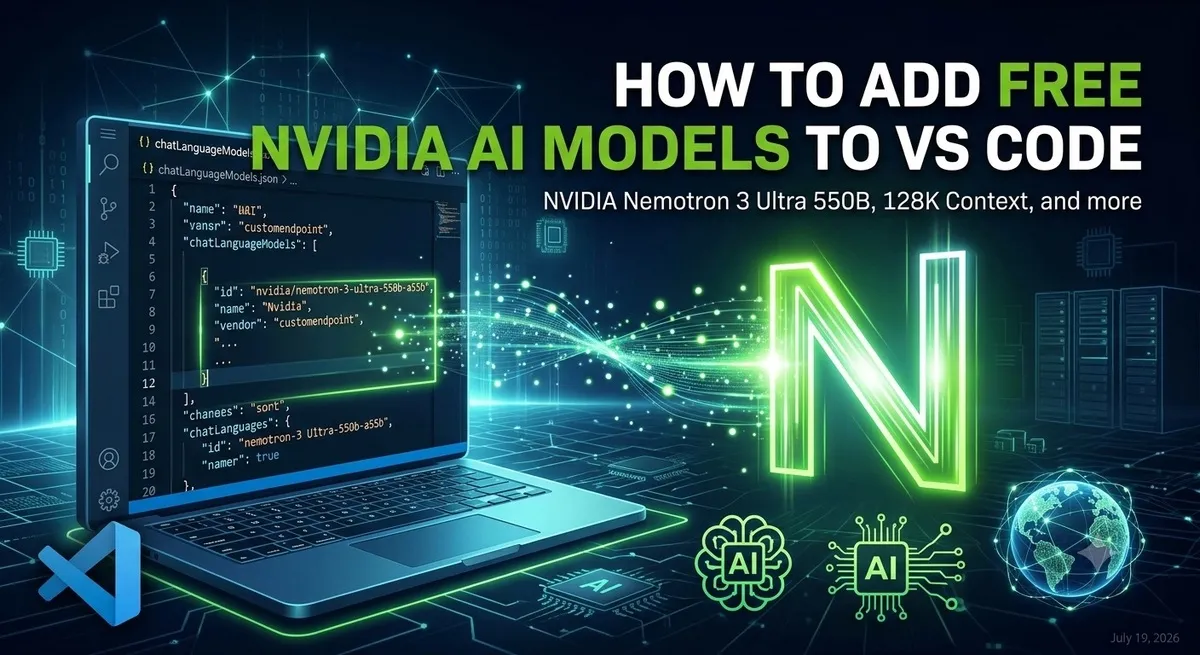
NVIDIA offers free access to their powerful Nemotron models through their NVIDIA Build platform. In this post, I’ll walk you through how to get a free API key and configure it in VS Code to use models like nvidia/nemotron-3-ultra-550b-a55b directly in VS Code. Also you can choose any other model from here. Prerequisites VScode needs to be above 1.27 it needs to have customendpoint supporting Getting Your Free NVIDIA API Key Go to build.nvidia.com Sign in or create an NVIDIA account Navigate to the model you want to use (e.g., Nemotron 3 Ultra) Click “Get API Key” button Note: In my experience, the “Get API Key” button in the UI didn’t work properly (it appeared to do nothing). If this happens to you, here’s how to get your API key: ...